
Hardening Plumber's Supply Chain: SLSA 3, OpenSSF Scorecard, and Best Practices
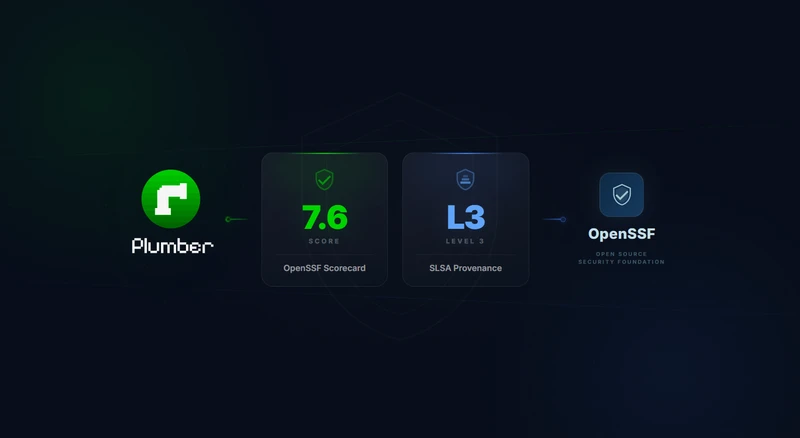
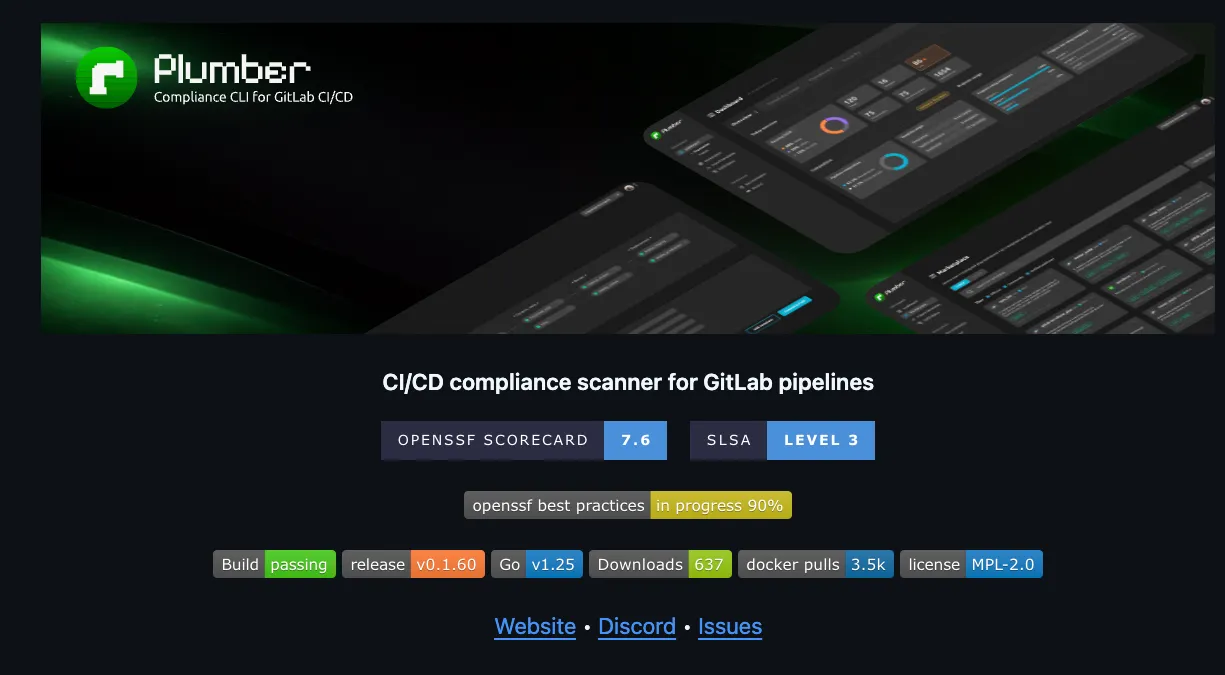
Plumber helps you enforce compliance in your GitLab pipelines. But who watches the watcher? If an attacker compromised Plumber’s own release process, every project relying on it would be at risk. That’s why we invested in hardening our supply chain with three industry-standard frameworks: SLSA Level 3 provenance, OpenSSF Scorecard, and the OpenSSF Best Practices badge.
This post walks through what each of these means, what we changed, and how the results look.
Why Supply Chain Security Matters
In early 2026, the hackerbot-claw supply chain attack compromised aquasecurity/trivy and six other major repositories by exploiting weak CI/CD configurations: mutable action tags, overly permissive tokens, and workflows that trusted external pull requests with write access.
That attack specifically exploited pull_request_target triggers and mutable GitHub Action tags to inject code into trusted CI pipelines. Our hardening steps below address some of the same underlying weaknesses (mutable references, excessive permissions, unsigned releases) but not the full attack chain. For example, defending against pull_request_target abuse requires careful workflow design beyond what’s covered here.
The conceptual overlap with Plumber is real: Plumber detects mutable tags, missing branch protections, and unsafe variable expansion in GitLab pipelines. The same categories of risk exist in GitHub Actions, just with different mechanics. Hardening our own GitHub release pipeline was a natural extension of the principles we enforce for others.
The Three Pillars
SLSA Level 3 Provenance
SLSA (Supply-chain Levels for Software Artifacts, pronounced “salsa”) is a framework by Google and the OpenSSF for ensuring the integrity of software artifacts. It defines four levels of increasing assurance about how software was built.
Level 3 means:
- The build runs on a hardened, hosted build platform (GitHub Actions in our case)
- Build provenance is generated by the build service, not the project itself, so it can’t be forged
- The provenance is non-falsifiable: even a compromised project maintainer cannot tamper with it
- Users can cryptographically verify that a binary was built from a specific commit using the expected build process
What this does and doesn’t protect against
SLSA provenance addresses post-build tampering: someone replacing a release binary, a compromised CI pipeline producing unexpected output, or a hijacked maintainer account publishing poisoned artifacts. It proves that the binary you downloaded was built from the expected source, on trusted infrastructure.
It does not guarantee the source code is free of vulnerabilities, that build dependencies weren’t compromised, or that the build environment itself was clean. It’s a seal of origin, not a clean bill of health.
How we generate attestations
Every Plumber release generates build provenance attestations using GitHub’s actions/attest-build-provenance. The attestations are signed via Sigstore using the GitHub Actions OIDC identity and stored in GitHub’s attestation store, visible in the GitHub web UI under Actions > Attestations.
When and how to verify
You should verify attestations before deploying a binary to production, in automated deployment pipelines, and after any security incident to confirm previously deployed binaries are genuine.
# Download the pinned plumber version from the release pagegh release download v0.5.3 --repo getplumber/plumber \  --pattern 'plumber-linux-amd64'
# Verify its provenancegh attestation verify plumber-linux-amd64 --repo getplumber/plumber
No extra tools needed. The gh CLI fetches the attestation from GitHub’s store and checks it automatically. On success, this confirms the binary was built from the expected commit, on GitHub’s infrastructure, and wasn’t modified after the build.
If you deploy container images to Kubernetes, you can enforce attestation verification at the cluster level with a policy engine like Kyverno. A ClusterPolicy with verifyImages can reject pods whose images lack a valid SLSA provenance attestation signed by the expected GitHub Actions workflow, turning verification into an automated guardrail rather than a manual step.
OpenSSF Scorecard
The OpenSSF Scorecard is an automated tool that evaluates open-source projects against a set of security heuristics. Each check scores from 0 to 10, producing an aggregate score that reflects how well the project follows security best practices.
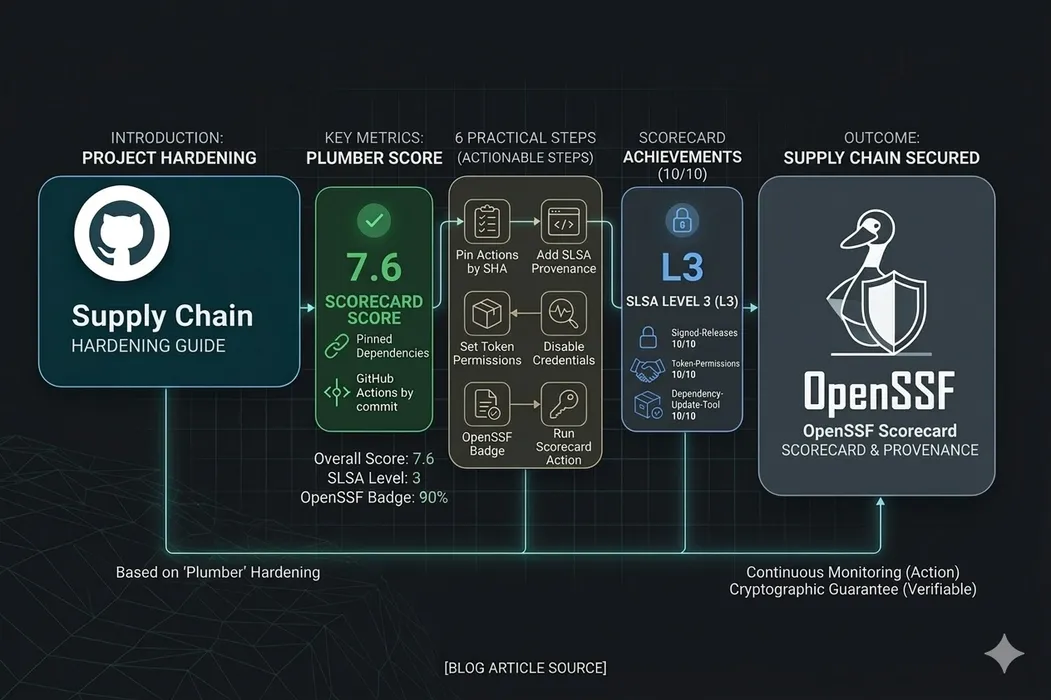
Plumber currently scores 7.6/10, with perfect 10s on most checks:
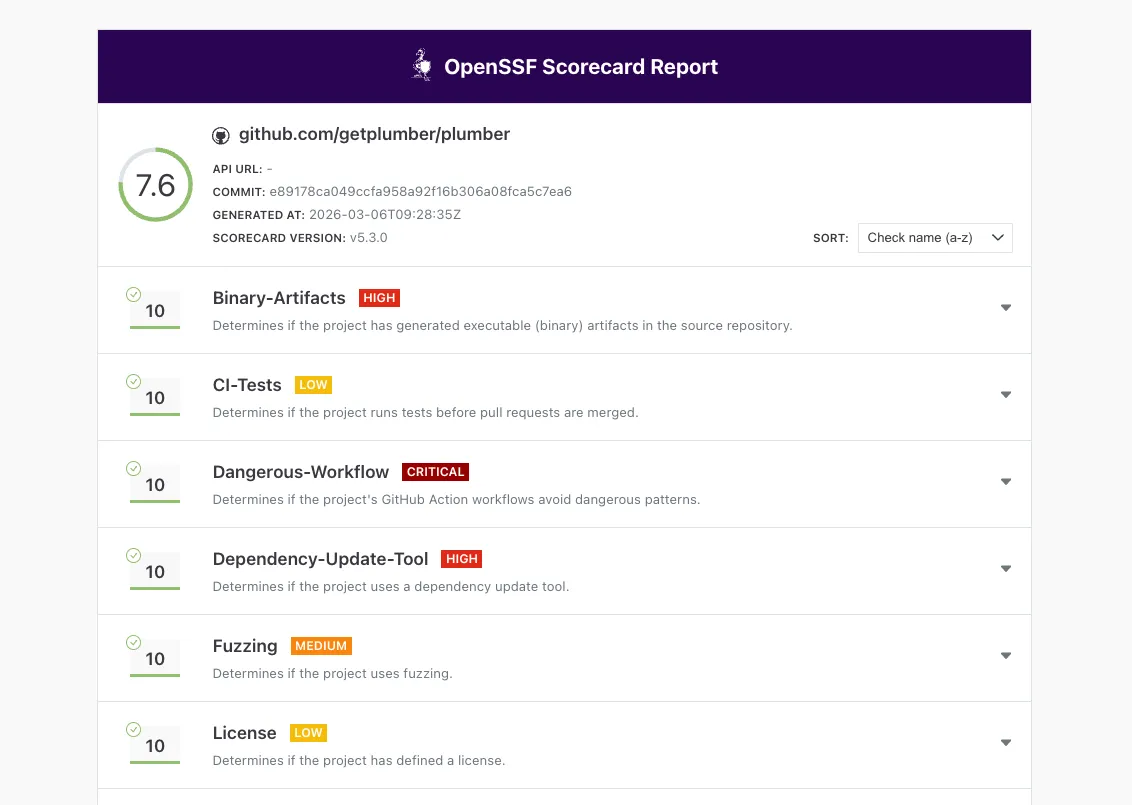
You can check the live report at securityscorecards.dev.
OpenSSF Best Practices Badge
The OpenSSF Best Practices program (formerly CII Best Practices) is a self-certification that evaluates a project against a comprehensive checklist covering documentation, change control, reporting, quality, security, and analysis.
Plumber is currently at 90% on the Passing level, covering:
- Basics: Project website, documentation, contribution guidelines, FLOSS license
- Change Control: Public git repository with unique version numbering (SemVer)
- Reporting: Issue tracker, bug report templates, vulnerability reporting via GitHub Security Advisories
- Quality: Automated test suite, CI on every commit, linting and static analysis
- Security: Secure development knowledge, HTTPS delivery, SLSA provenance, no leaked credentials
- Analysis: CodeQL, govulncheck, fuzz testing
You can follow our progress at bestpractices.dev/projects/12096.
What We Changed
Release Workflow Hardening
- SLSA provenance generation: The release workflow uses
actions/attest-build-provenanceto generate signed SLSA Level 3 attestations for every binary, stored in GitHub’s attestation store - SHA-pinned actions: All GitHub Actions across all four workflows are now pinned by commit SHA, not mutable tags. This prevents the exact attack vector used in the hackerbot-claw incident
- Least-privilege tokens: Workflow-level
permissions: {}(deny-all) with job-level overrides granting only what each step needs - No persisted credentials:
persist-credentials: falseon every checkout step, soGITHUB_TOKENisn’t available to subsequent steps
Security Infrastructure
- SECURITY.md: Vulnerability reporting instructions pointing to GitHub Security Advisories, with response timeline commitments
- OpenSSF Scorecard workflow: Runs weekly and on every push to
main, publishing results to the Scorecard API and uploading SARIF to GitHub’s Security tab - Fuzz tests: Native Go fuzz tests for the boolean expression parser (
ParseRequiredExpression) and git remote URL parser (ParseGitRemoteURL)
Cleanup
- Removed an accidentally committed compiled
mainbinary from the source tree (this was dragging down the Binary-Artifacts score) - Added
mainto.gitignore
Want to Apply This to Your Own Project?
We wrote a companion post with step-by-step instructions, workflow snippets, and Scorecard impact for each change:
6 Practical Steps to Harden Your GitHub Project’s Supply Chain
It covers SHA-pinned actions, SLSA provenance setup, least-privilege permissions, persisted credentials, the Best Practices badge, and the Scorecard action, all with copy-paste YAML examples.
What’s Next
We’re working toward 100% on the Best Practices badge and continuing to improve our Scorecard score. The main remaining items are enabling required PR reviews and status checks on the main branch (Branch-Protection) and growing the contributor review process (Code-Review).
Supply chain security is not a one-time checkbox. It’s an ongoing practice. The same way Plumber continuously monitors your GitLab pipelines for compliance drift, these frameworks continuously evaluate whether your project’s security posture is holding up.